 Earth Now
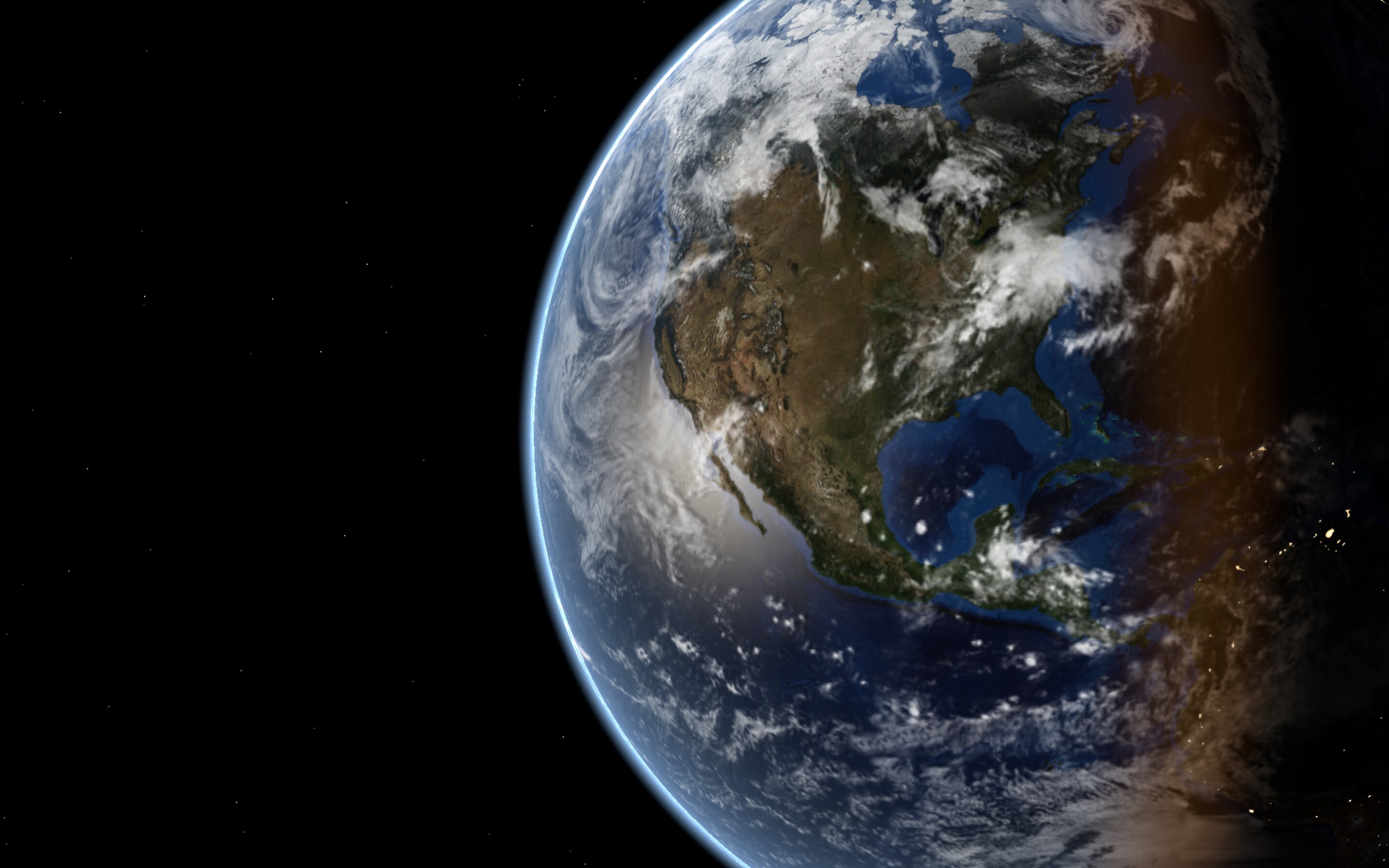
The Earth, right now.
A live wallpaper for your Mac. Daylight where the sun is up, glowing cities where it’s night, real clouds from weather satellites.
Right now the sun is coming up over Lima and going down over Jakarta. Earth Now keeps that moment behind your desktop icons, true to the minute, every minute of the day.
This page runs the same sun calculation as the app. As you scroll, its clock runs ahead by up to a full day, and the colour of the page follows the sky over your time zone.
What you get
It sits quietly below your icons. Glance at it and you know where it’s morning, where it’s night, and where the big storms are.
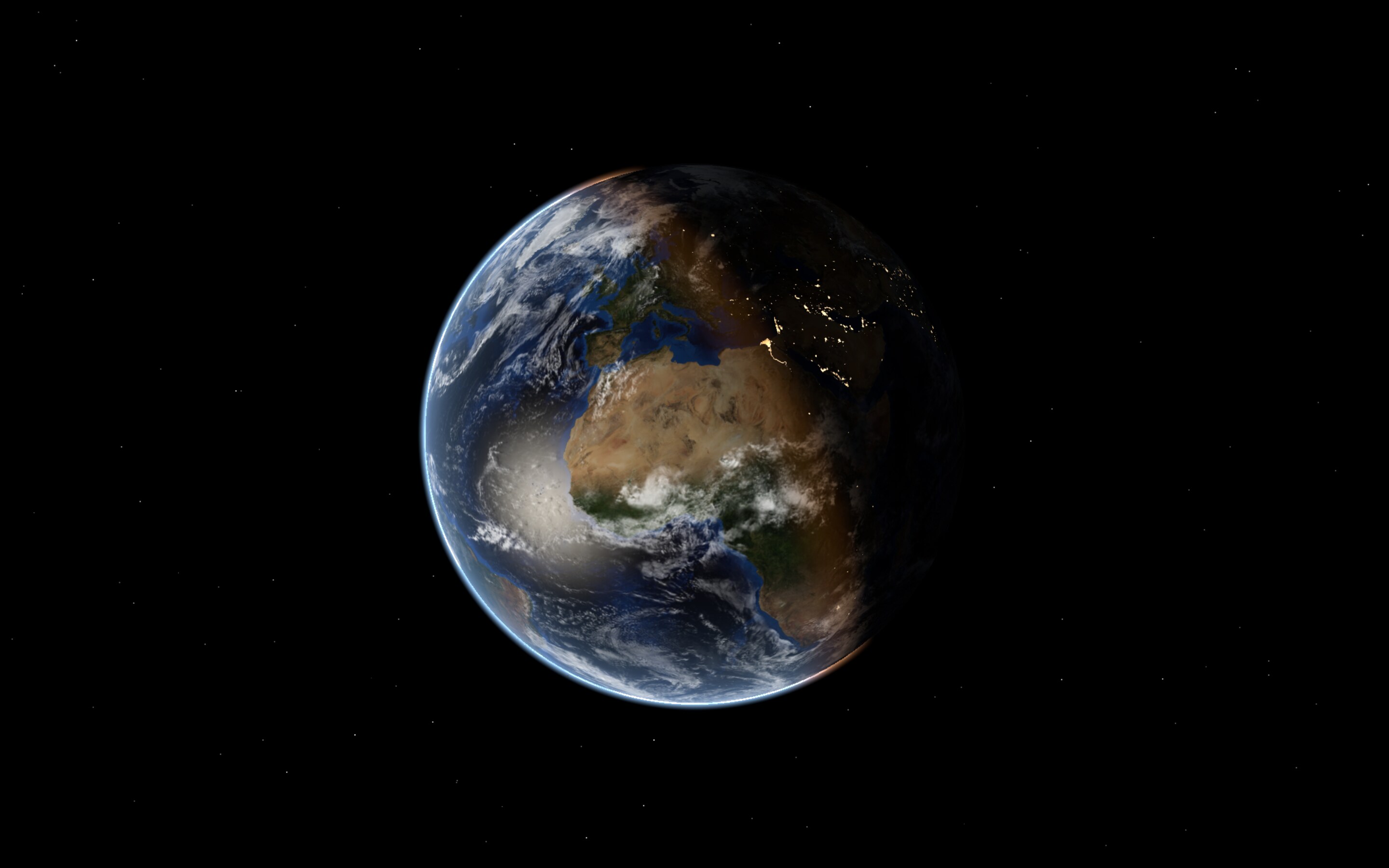
Real sunlight
The sun’s position comes from the date and time, worked out on your Mac. Twilight, sun glint on the oceans, a thin blue atmosphere.
0.01°sun position accuracy
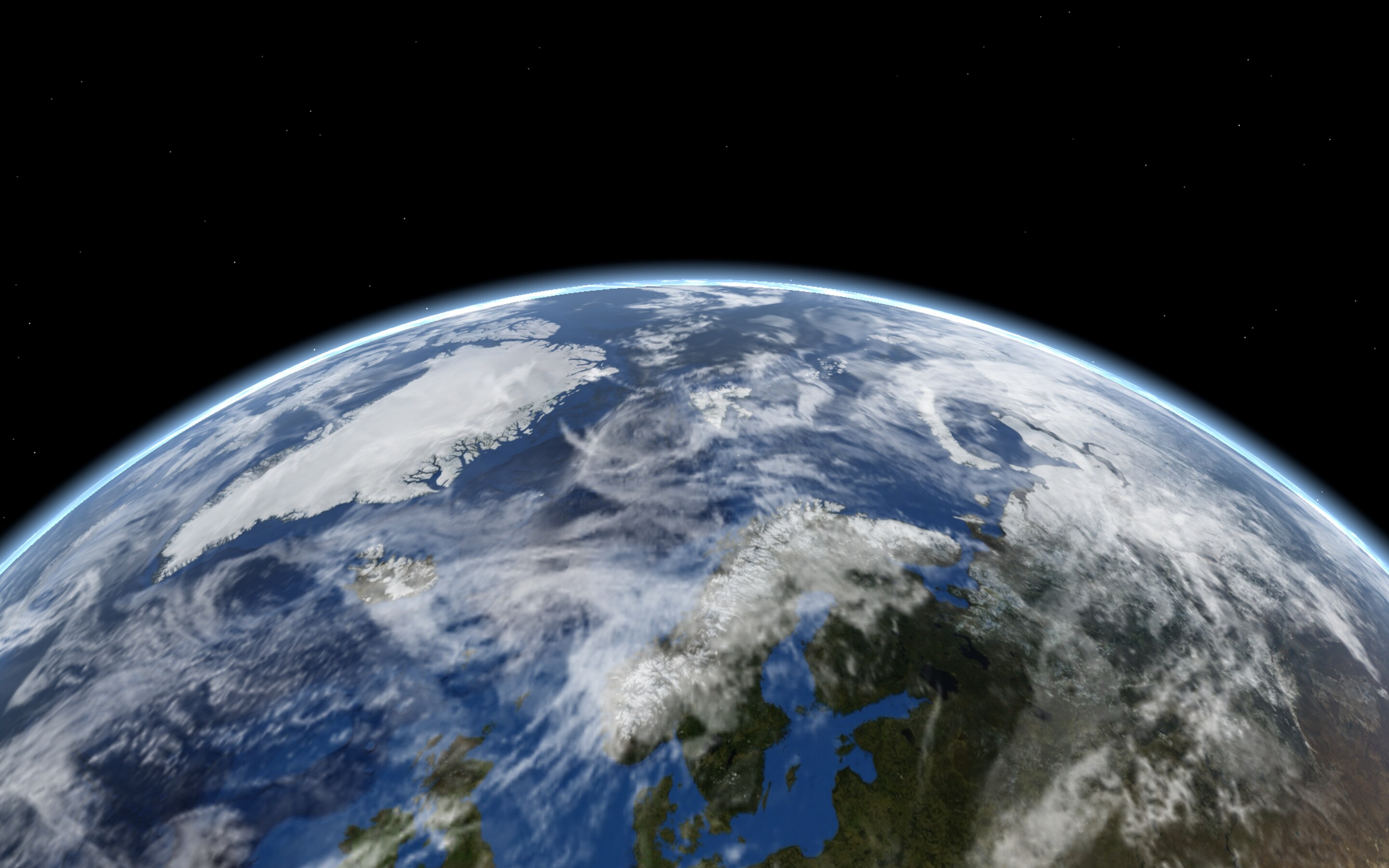
Live clouds
Cloud maps from weather satellites. Offline? Built-in clouds take over until you’re back.
every 3 hfresh satellite map
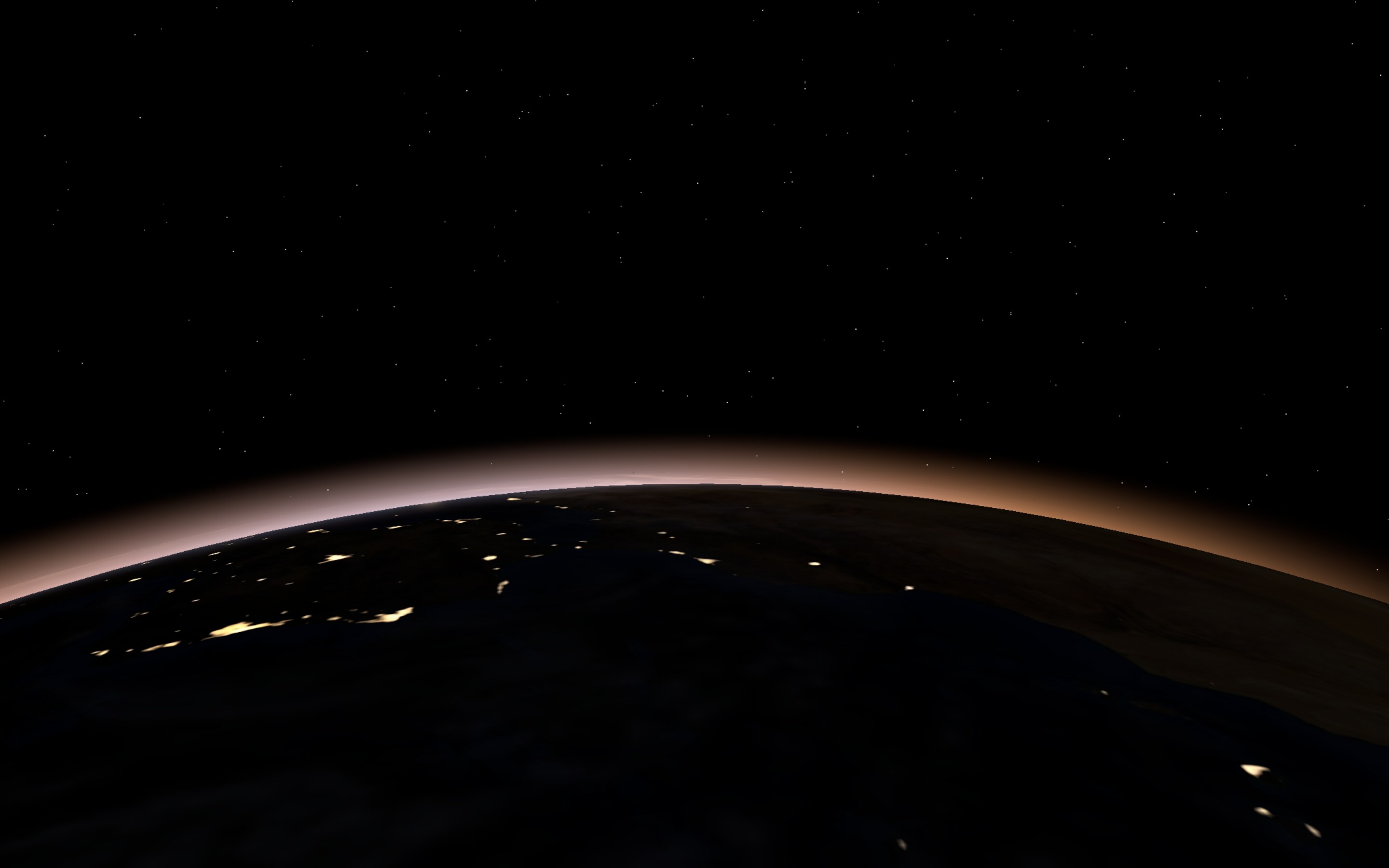
City lights
On the night side the cities glow, from NASA’s Black Marble satellite images.
NASABlack Marble 2016
-
Your view
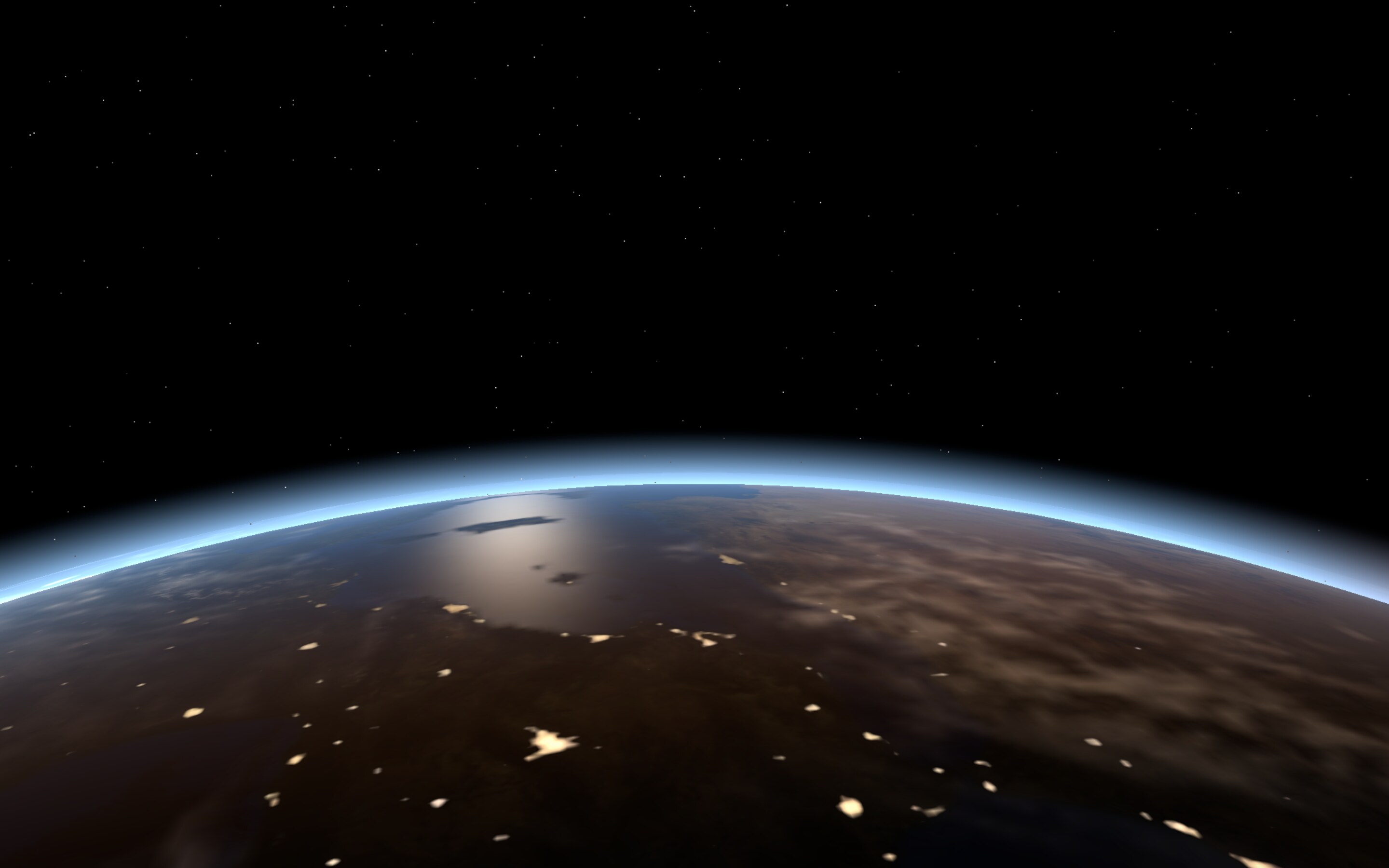
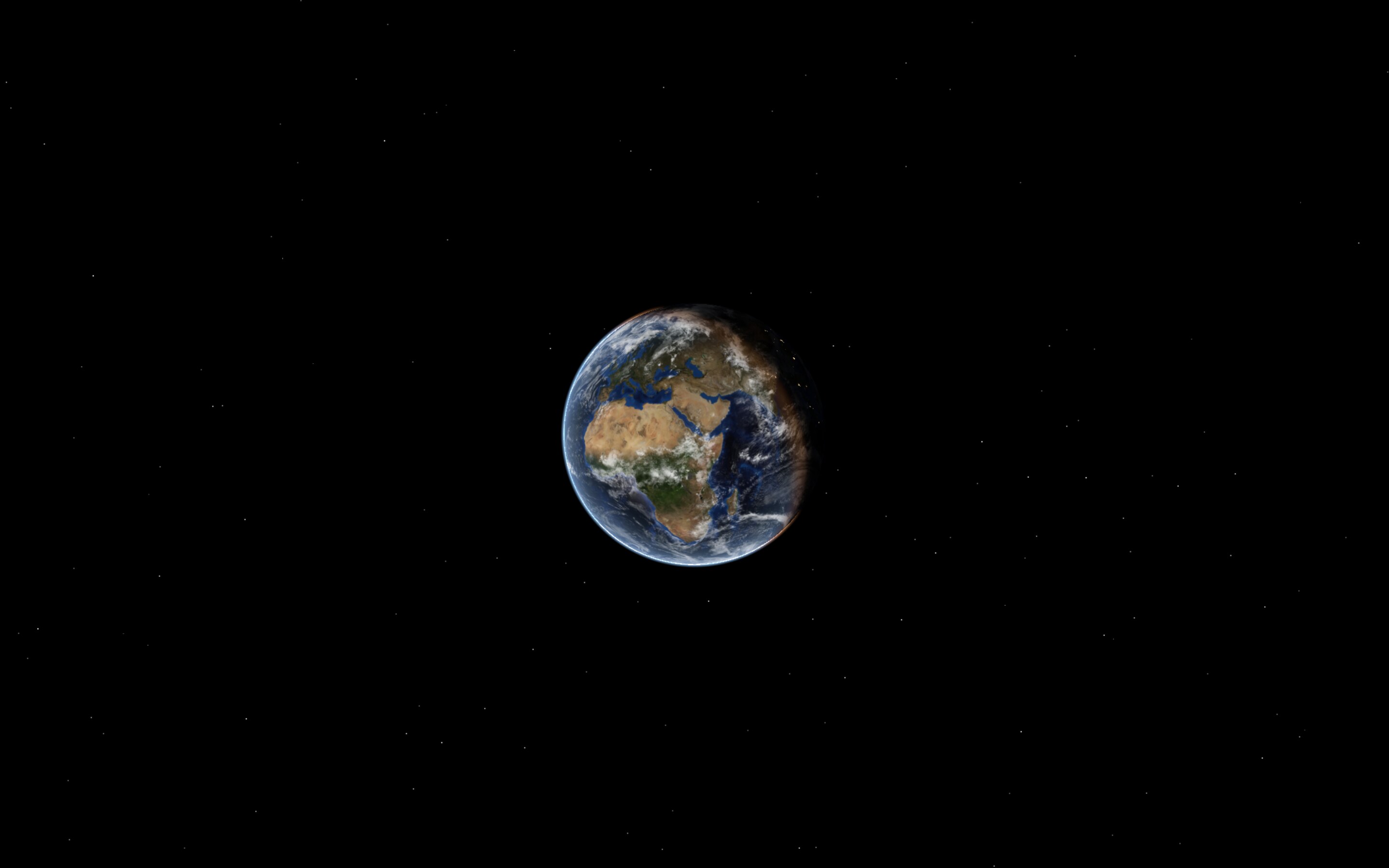
Whole Earth, Close-up, Horizon, Side View or Far Out. Tune zoom, tilt and framing, then save your own.
5 + yoursviews
Your place
Search any city or address and the camera glides there. Then orbit, hover above it, or follow the sun.
3 moodsorbit, stay, follow
Light on battery
It only draws a frame when something moves. Covered and sleeping screens pause completely.
< 1 fpsin most views
Every display
One Earth per display, on every Space, below your icons. Clicks go straight through to the desktop.
all screensand Spaces
Six ways to frame it
Every picture here is a real render from Earth Now, the same thing you get on your desktop.
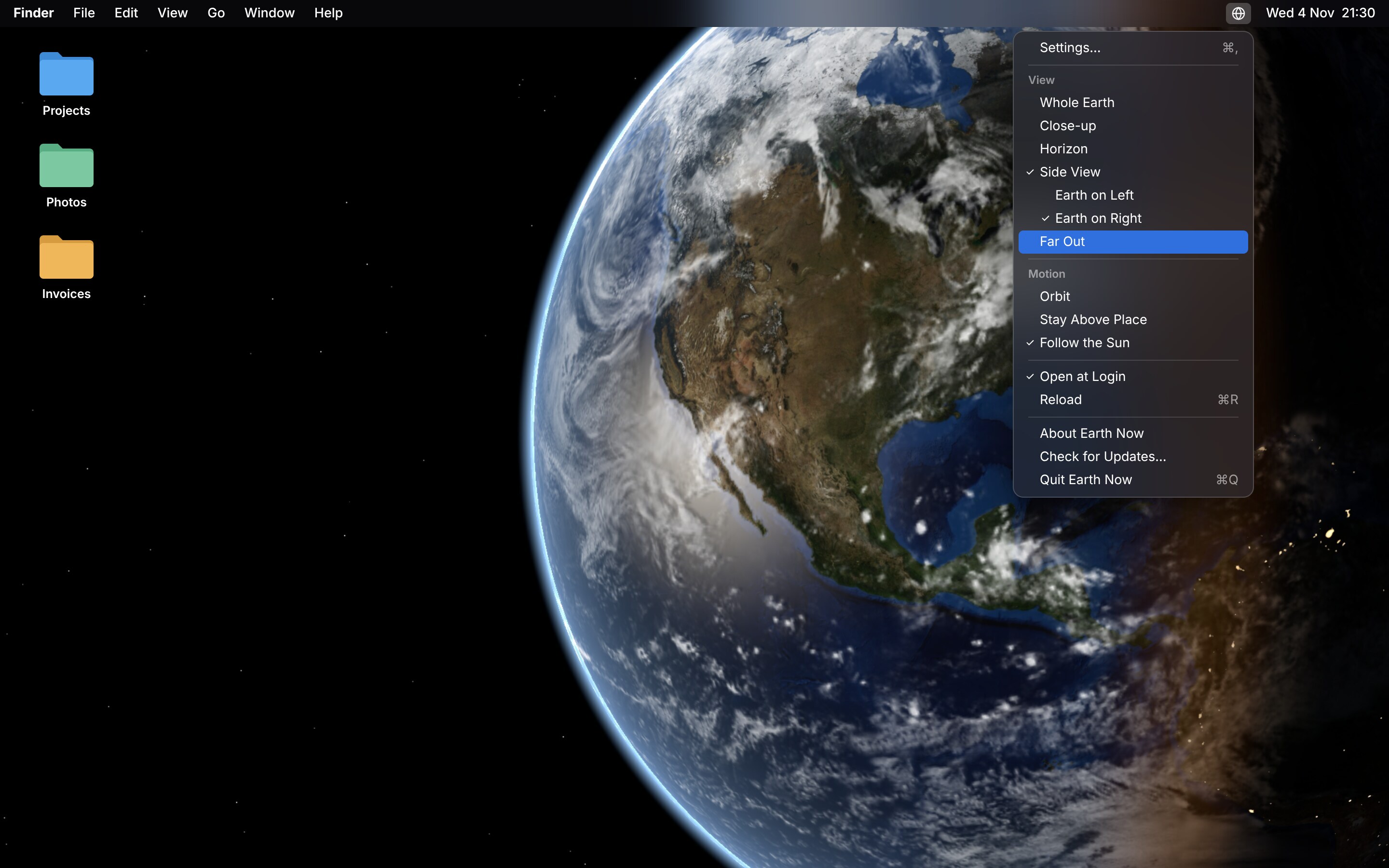
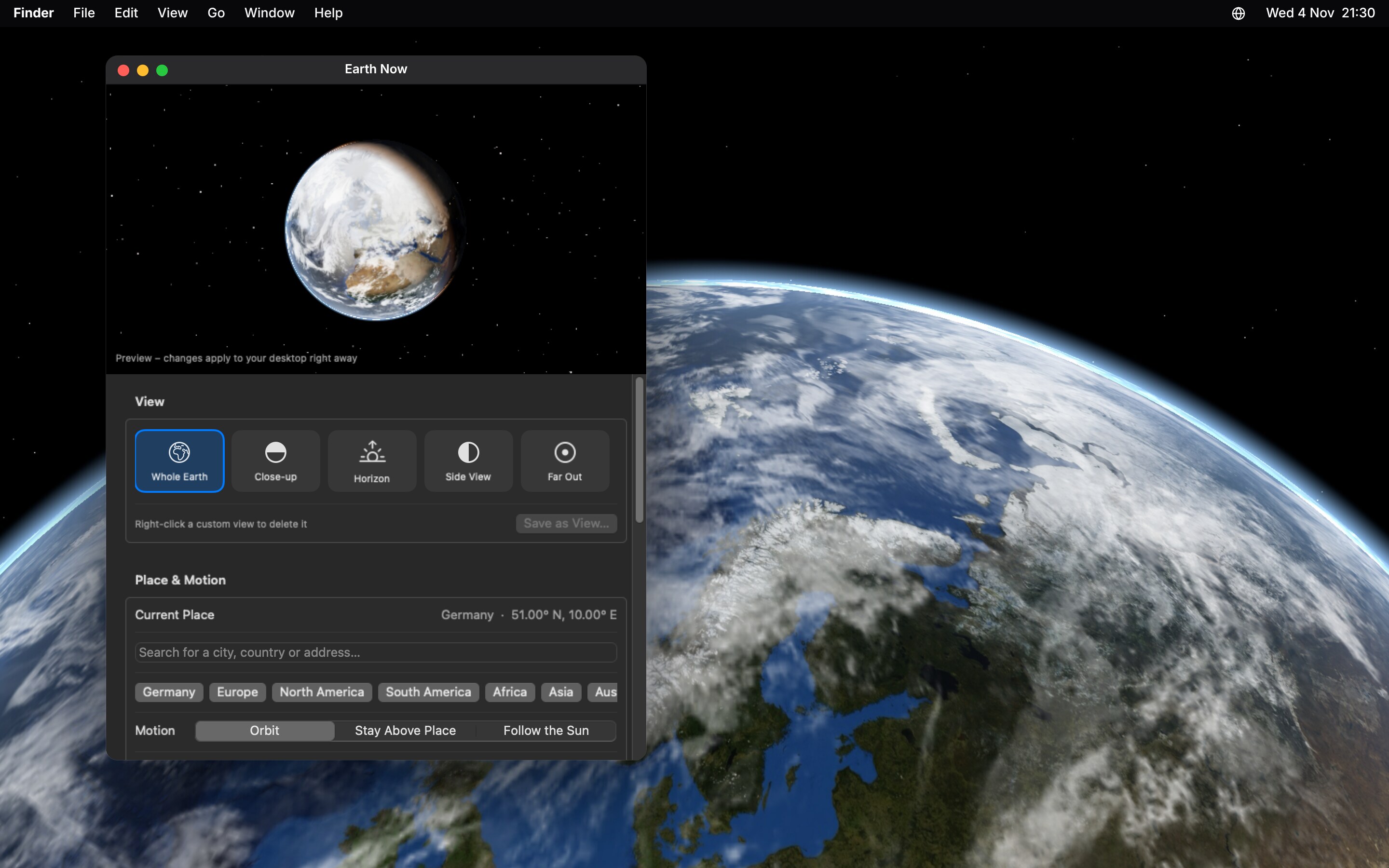
Lives in your menu bar
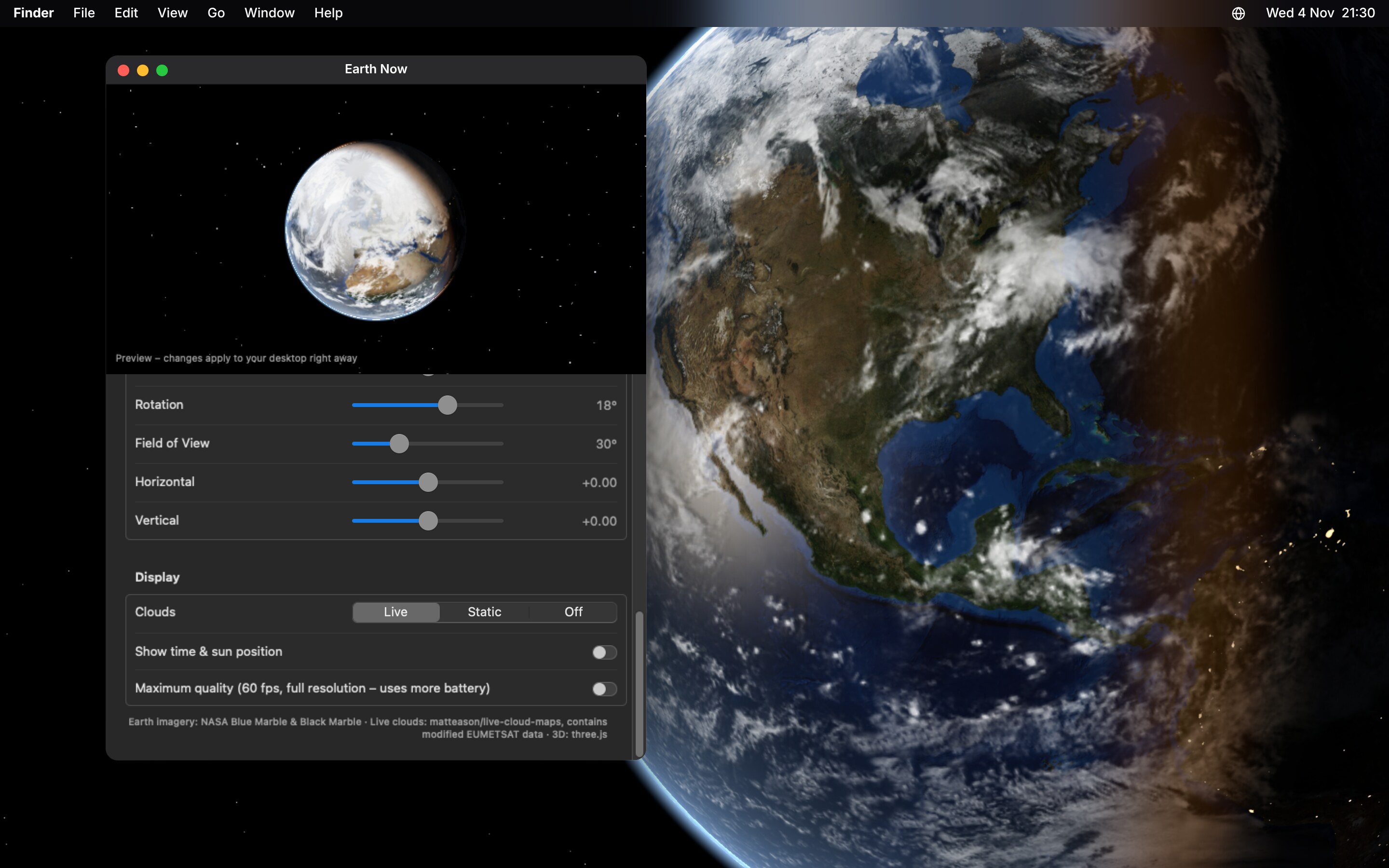
Click the globe to switch views and motion. The settings window shows a live preview, so every change lands on your desktop right away.
- Settings⌘,
- Open at loginone click
- LanguagesEnglish, German
Earth Now in numbers
- 8K
NASA Blue Marble texture for the day side, with relief and sea floor.
- 3h
between fresh cloud maps from weather satellites.
- 0
accounts, ads or trackers. The app never phones home.
- 15MB
download. Runs on Apple Silicon and Intel.
Take the Earth home.
macOS 13 Ventura or laterApple Silicon and Intelfree, MIT License
Windows is next. To hear when it’s out, watch the project on GitHub (Watch, Custom, Releases).
Download
Get
EarthNow.dmgwith the button.Install
Open the DMG and drag Earth Now onto Applications.
Open
Start it from Applications. A globe appears in your menu bar. That’s it.
“Apple could not verify Earth Now”? Here’s the fix.
Earth Now is free and not (yet) in Apple’s paid developer program, so macOS asks you to confirm the first start. Once:
- Open Earth Now. When the warning appears, click Done.
- Open System Settings, Privacy & Security and scroll to Security.
- Next to “Earth Now was blocked”, click Open Anyway and confirm.
On macOS 13 and 14 you can also right-click the app, choose Open and confirm. In Terminal: xattr -dr com.apple.quarantine /Applications/EarthNow.app
The source is public, and every release is built by GitHub Actions straight from it.
Questions, answered
Does it drain my battery?
Barely. It only draws a new frame when something moves on screen, in most views less than once a second. Screens covered by a full-screen app or asleep pause completely. Want buttery motion? Turn on Maximum quality in the settings.
Does it replace my wallpaper?
No. Earth Now puts its own layer between your wallpaper and your icons. Quit the app and your normal wallpaper is back instantly.
Several displays and Spaces?
Every display gets its own Earth, and it stays put when you switch Spaces. Plug a display in or out and Earth Now adapts.
What happens without internet?
Everything keeps working. The sun is calculated locally, and when the live cloud map can’t load, built-in clouds take over. It tries again later without bothering you.
How do I start it automatically?
Click the globe in the menu bar and choose Open at Login.
How do I uninstall it?
Choose Quit Earth Now from the globe menu (turn off Open at Login first if you used it), then move the app from Applications to the Trash. To remove the settings too, delete ~/Library/Preferences/io.github.hensobo.earthnow.plist.
Why isn’t it in the App Store?
Not yet. The App Store and notarization need a paid Apple developer membership. For now Earth Now is free right here, built in public from its source code.
Is it really free?
Yes. A free, open-source hobby project under the MIT License. No ads, no accounts, no tracking. Found a bug or have an idea? Open an issue on GitHub.
